
How it works
Wishdata is a free wish list for the whole year: for your birthday, the holidays or a wedding. You share it with family and friends, and they can see what is already being given, so nobody buys the same thing.
Your wish list
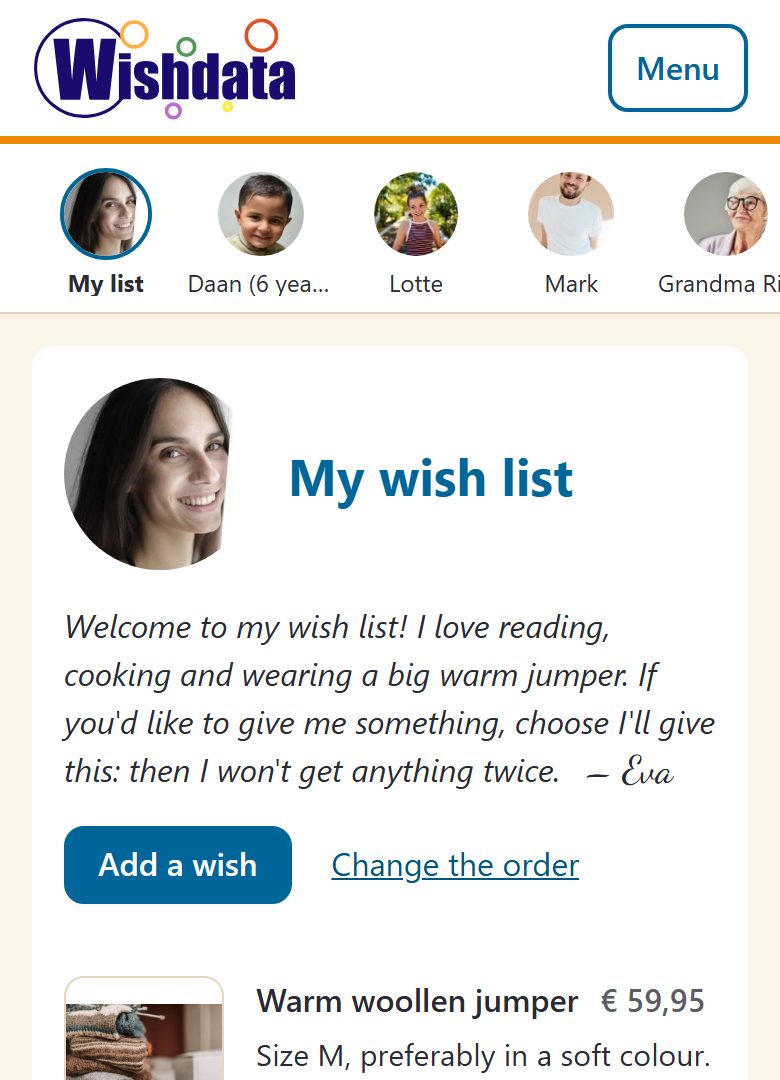
With an account you immediately have a wish list. It is named after you and you use it all year: what you don't get stays on for the next celebration. You add a photo and a welcome text under Settings.
Adding wishes
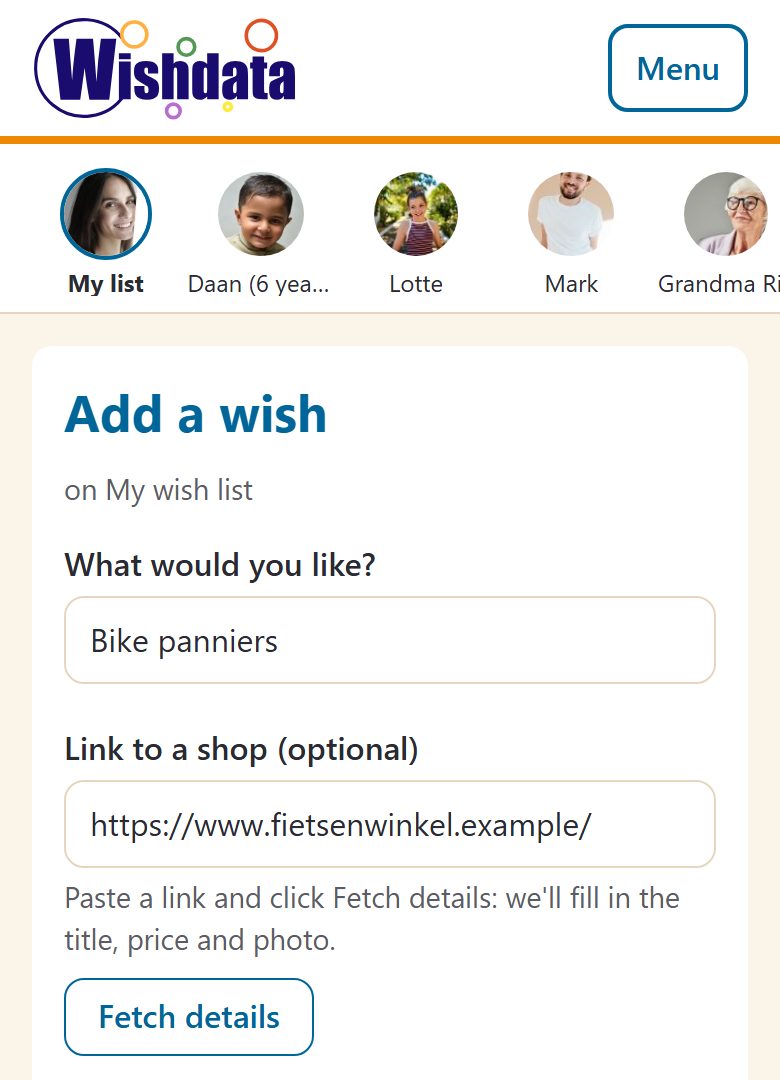
Choose Add wish and type what you would like. You can add a link to a shop: Get details fills in the title, price and photo. You can also upload your own photo, mark that you are always happy with it, or show a wish to some people only. Change the order by dragging or with the arrows.
Sharing your list
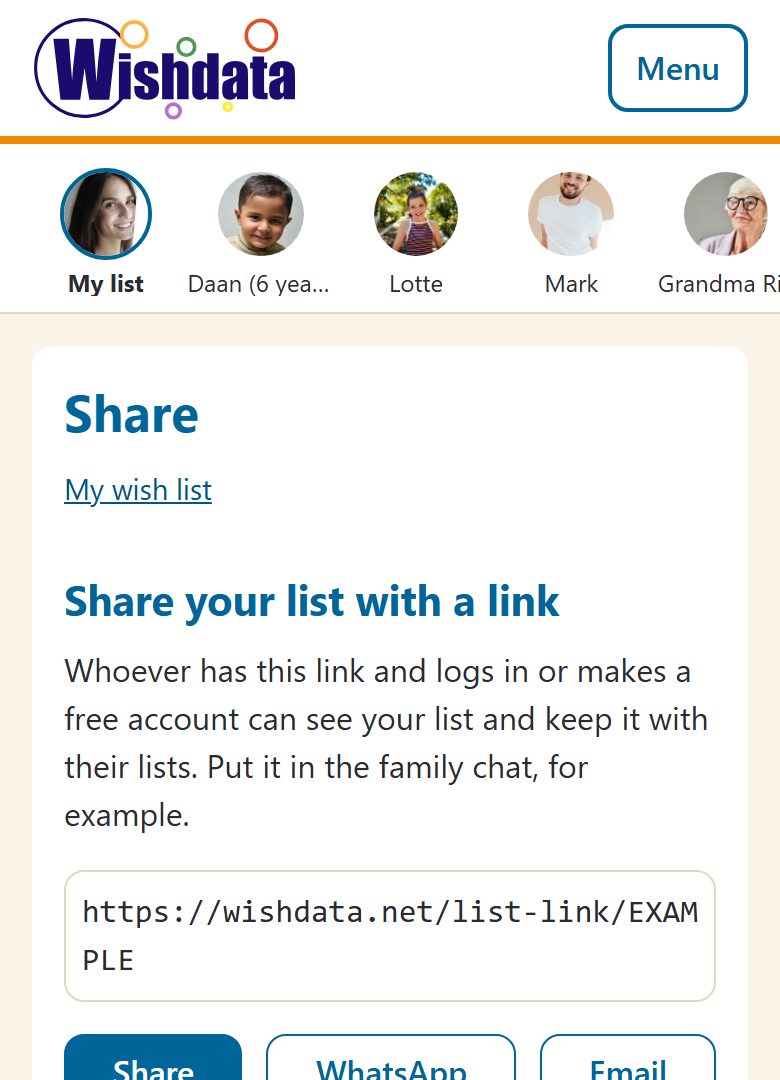
Under Share you find your share link. Send it by WhatsApp or email, or paste it in a group chat: whoever opens it sees your list and saves it with their lists. You can also invite people by email, have them ask first, and take access away again.
Asking for a list
Want to know what someone would like? Under Ask for a wish list you find your ask link: whoever opens it shares their list with you in one click. You can also ask by email, or tick people from your circle.
Giving something
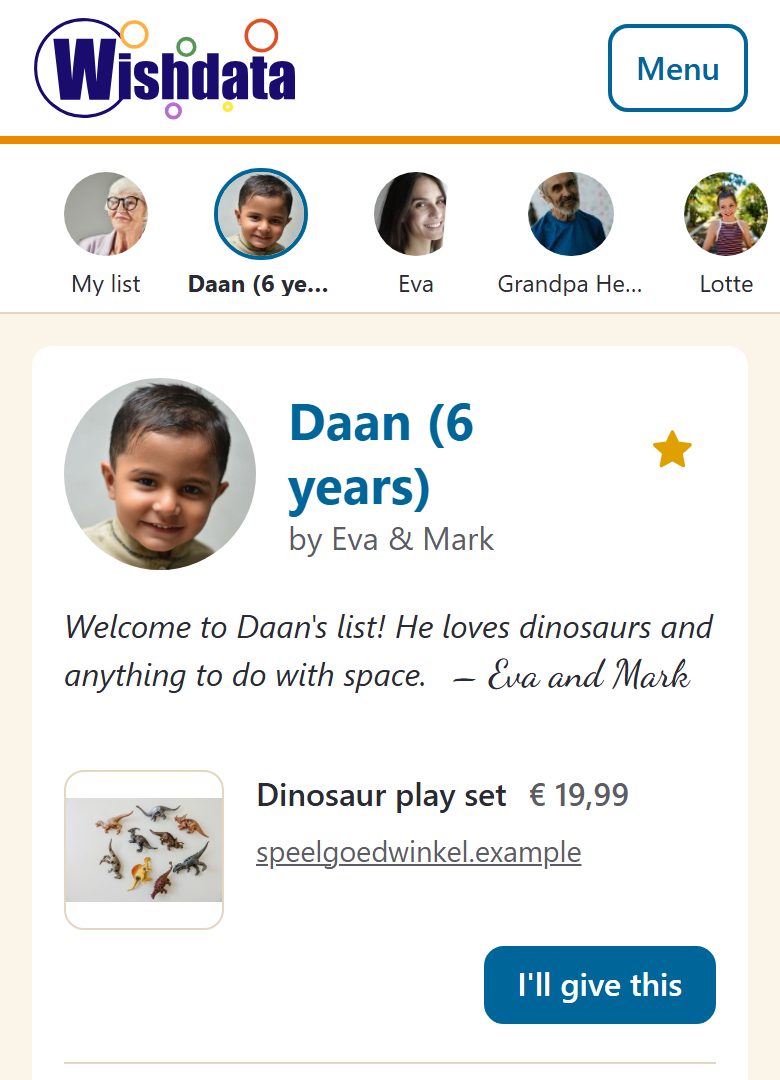
On someone else's list choose I'll give this. The wish then disappears for the others, so nobody buys the same thing. Nobody sees who gives what, not even the owner. Under My gifts you see what you are giving; put it back if you change your mind, or click Given.
Keeping it a surprise
Don't want to see what is already being given? Freeze your list until the celebration. For the others the list keeps working as usual.
More lists, and lists for children
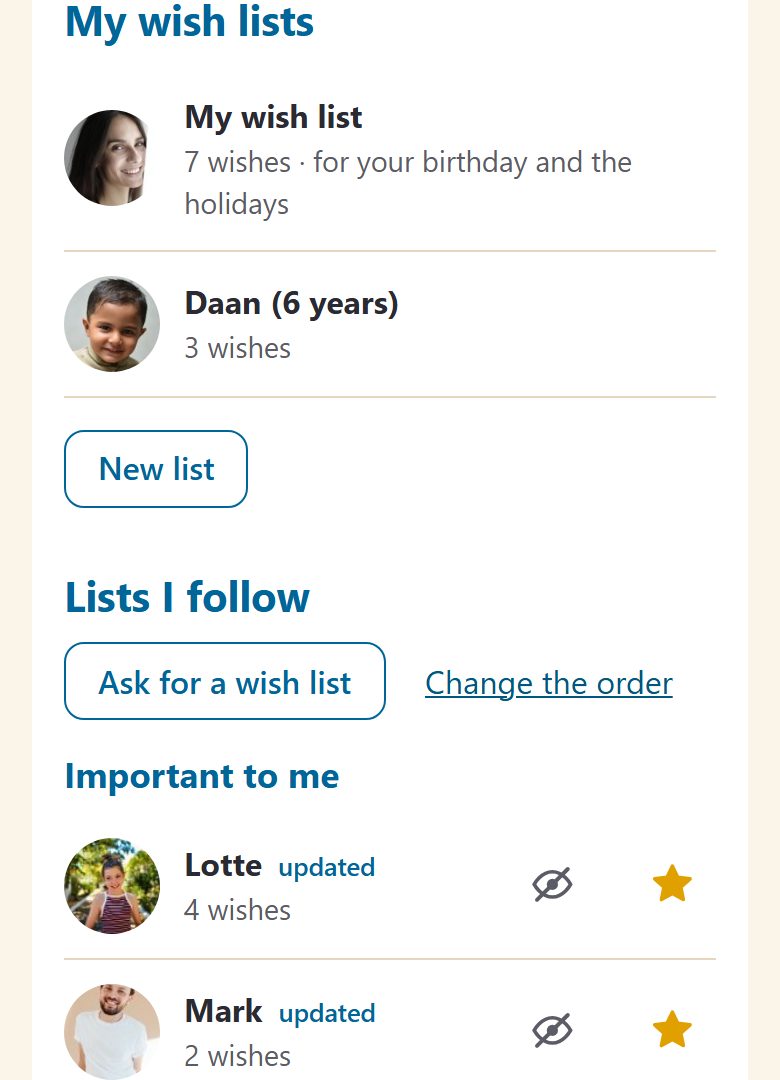
Next to your own wish list you can create extra lists, for example for a child, a baby or a wedding, together with co-owners or managers if you like. Once your child has an email address, hand the list over: the wishes and who can see it stay.
Drawing names
You can draw names here, under Secret Santa, and for Sinterklaas and Christmas also on Sinterklaasje.nl and Kerstlootjes.nl. Participants can share their Wishdata wish list with the group; your lot then links to the list of the person you drew. The frequently asked questions are at the bottom.
Your account and emails
Under Account you change your name, email addresses and password, choose how often you get the email update and for which lists, and optionally add your social media. You can always log in with a link by email too.
More questions
Can I suggest a wish for someone else's list?
Yes. On that list choose Suggest a wish. The owner sees your suggestion and puts it on the list, or not. If you get a suggestion yourself, it is on your list under Suggestions: choose Add to my list or No thanks.
How do I remove someone else's list from Lists?
On that list choose Hide in Lists, or click the eye next to it in Lists. It then sits folded at the bottom, under Hidden lists, and no longer in the menu. You can always bring it back.
How do I delete a list?
You delete an extra list in its Settings, with Delete this list. The list and all its wishes then disappear for everyone. Your own wish list stays as long as your account exists: just remove the wishes that no longer apply.
I see an old list of someone who no longer uses Wishdata.
Hide it in Lists. If email to the owner's address no longer arrives, or someone doesn't use Wishdata for three years, we clean up their account and lists ourselves.
I have more than one email address.
Add them all under Account: others can then invite you on any of those addresses, and so find your list. Our emails go to your main address; make another address the main one with Make main address.
Where do I enter my birthday?
Under Account, at Your birthday. It then shows on your wish list, so others know when your birthday is. Leave the year empty and your age is not shown.
I can't log in.
Ask for a login link under Log in: you get it by email, and then you don't need a password. No email? Check your spam or junk folder, and check that the address is right.
How do I stop using Wishdata?
Under Account choose Delete my account. We first send an email with a link to confirm it. Your lists and wishes then disappear; joint lists stay with the other owner. If you don't use Wishdata for three years, we clean up your account. Over a month before, you get an email about it, with a button to keep it.
Has someone passed away?
Our condolences. Was it someone whose wish list you could see, and who could see yours? Then you can report it. We first send an email to their account; if there is no response within 30 days, we clean up the account and lists. Report a death
Drawing names: frequently asked questions
Where can I draw names?
For Sinterklaas on Sinterklaasje.nl, for Christmas on Kerstlootjes.nl. A Secret Santa on Wishdata.net works too.
Can I draw names in English, for example with friends from abroad?
Yes. You're on the English pages now: start the draw here. The pages and emails for the participants are then in English.
I made a typo in a participant's email address.
Before the draw, remove the participant on your management page and add them again with the right address. Already drawn? Choose Change email address for that participant: the name goes to the new address, and the old address is told that the name was withdrawn. If an address does not exist, you will see that on your management page.
My own email address is wrong.
After starting the draw you go straight to your management page. Under "Wrong email address?" you correct your address; we then send the email with the link again.
A name didn't arrive. What now?
That happens now and then, because of a full mailbox, a strict spam filter or a wrong address. First ask the participant to check their spam or junk folder. On your management page you see per participant whether the email bounced or has been viewed. Send again sends the email once more; if the address is wrong, choose Change email address.
I deleted the email with my name, or I've lost the link.
Ask the organiser to send your name again: they can do that on the management page with Send again. Did you sign up yourself through the link the organiser shared? Then open that link again and choose I'm already taking part. Choose your name: if you take part with email, we send your link again; without email you enter your PIN. If you have a Wishdata account with the same email address, you will also find your name under My name draws on Lists.
I've forgotten my PIN.
Ask the organiser to reset your PIN. Then open the link the organiser shared, choose I'm already taking part and pick a new PIN.
Does "not the same name as last year" work the first time?
No: the site remembers who had whom, and only knows that after an earlier draw here. It works if you also drew with wish lists last time, with at least four participants (five if partners do not draw each other); otherwise the outcome is predictable.
Can I add someone after the draw?
No: the draw wouldn't add up any more. Start a new draw with everyone on it.
Can the organiser see who has whom?
No. The organiser only sees who has looked at their name, not who has whom.
I see an old wish list. How come?
Many people use their wish list all year round: for birthdays, Sinterklaas and Christmas. Give the others a little time to update their list.
I can't see everyone's wish list.
A wish list only shows once the participant has made it on Wishdata and shares it with the group. Everyone decides that for themselves.